



Thorfortune app: installation and mobile access
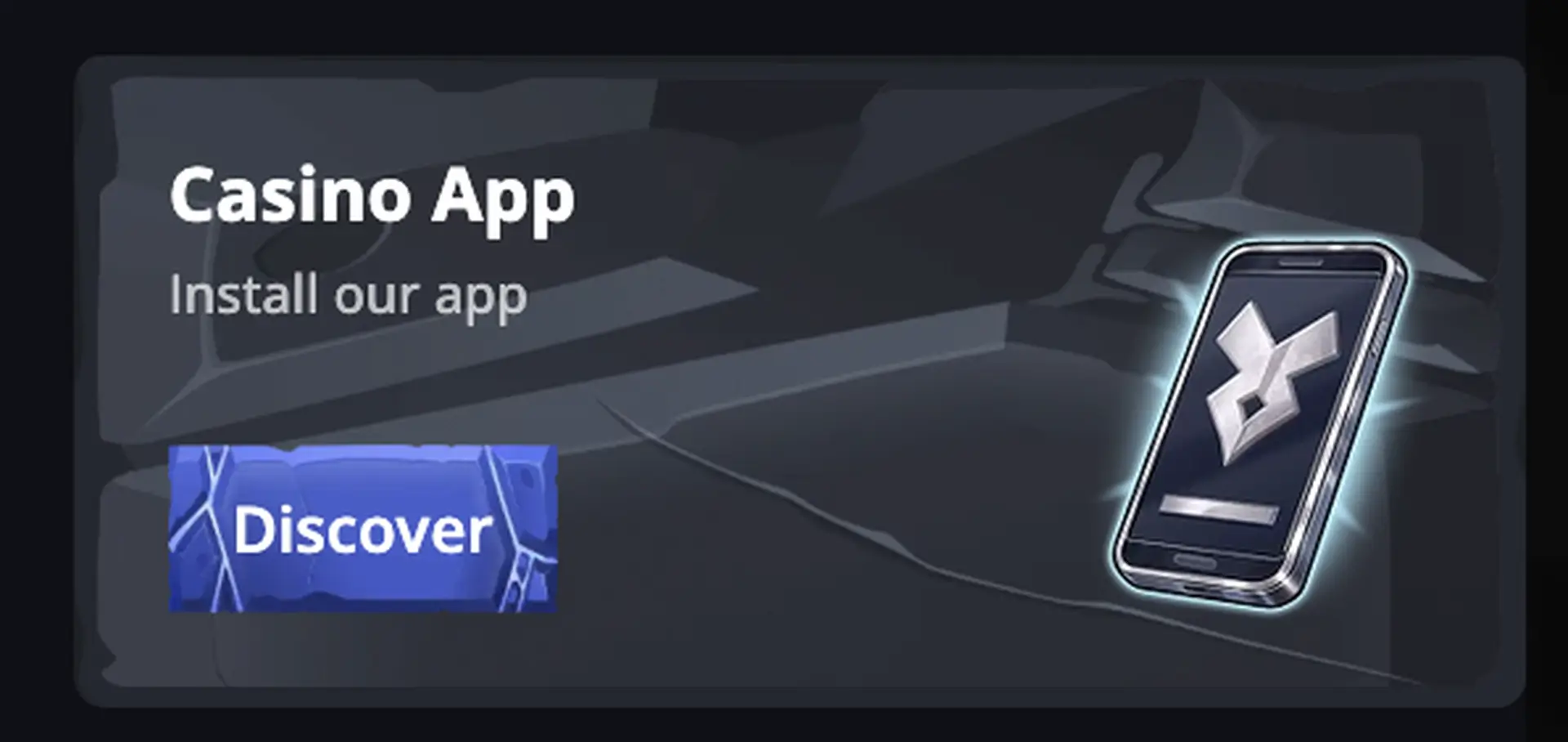
Thorfortune app is offered as a progressive web app, or PWA. Instead of relying on a large download from an app store, it creates an icon that opens the mobile version of the casino directly from the home screen. The website displays a “Casino App - Install our app” panel with a Discover button.
The PWA provides access to the casino, promotions, account, payments and sports betting on iOS and Android, as well as through shortcuts on Windows, macOS or Linux. It should not be confused with a native app that is necessarily published in the App Store or Google Play: installation takes place through the browser.
Contents
The main details are summarised below.
| Feature | Thorfortune app |
|---|---|
| Format | PWA, progressive web app |
| File download | No large installer required |
| iPhone and iPad | Browser access and Add to Home Screen |
| Android | Installation from the menu of a compatible browser |
| Desktop | Shortcut supported by modern browsers |
| Games | Mobile catalogue, live casino and instant-win titles |
| Sports | Pre-match and live markets, betslip and tracking |
| Payments | Access to the cashier and methods available for the account |
| Updates | Delivered through the web version |
| Currency | GBP and other supported currencies |
Always check the current terms before making a decision.
How to install the Thorfortune app on iPhone or iPad
The main details are summarised below.
- Open Thorfortune in Safari.
- Check the domain before signing in.
- Tap the Share button.
- Select Add to Home Screen.
- Confirm the shortcut name.
- Tap Add to create the icon.
When the icon is tapped, the platform opens in a window similar to an app. Credentials and permissions still depend on the browser and operating system.
How to install the Thorfortune app on Android
The main details are summarised below.
- Open the website in Chrome or another PWA-compatible browser.
- Open the browser menu.
- Select Install app or Add to Home screen.
- Confirm the installation.
- Open the new icon and sign in to your account.
Always check the current terms before making a decision.
Installing a shortcut on Windows, macOS or Linux
Compatible browsers may display an installation icon in the address bar. A shortcut can also be created from the browser menu. The result opens the website in a separate window, but it remains a PWA connected to the site.
Features available on mobile
The main details are summarised below.
- Casino: slots, table games, favourites, search and providers.
- Live casino: roulette, blackjack, game shows and specialist tables.
- Promotions: welcome package, cashback, rakeback, reloads and tournaments.
- Sportsbook: events, odds, betslip, live betting and tracking.
- Account: balance, history, limits, verification and support.
- Cashier: deposits and withdrawal requests using enabled methods.
Always check the current terms before making a decision.
Performance and data usage
Slots and account pages generally require less bandwidth than live casino streams. For a stable session:
- Use a stable Wi-Fi or 4G/5G connection.
- Close video tabs running in the background.
- Keep the browser up to date.
- Avoid extreme battery-saving mode during streams.
- Check data usage before keeping live tables open for a long period.
Always check the current terms before making a decision.
Payments through the app
The public cashier displays Visa, Mastercard, Apple Pay, Google Pay and cryptocurrencies. Exact availability depends on the account and location. The minimum deposit stated in the FAQ is usually £20, while the minimum withdrawal is usually £50. Not every deposit method necessarily supports withdrawals.
Security in the Thorfortune app
The main details are summarised below.
- Install the shortcut only from the official domain.
- Do not download APK files offered by third parties using the Thorfortune name.
- Protect the phone with a passcode, biometrics and automatic locking.
- Do not save the password on shared devices.
- Review notification permissions and remove those you do not need.
- Log out before selling or resetting the device.
Always check the current terms before making a decision.
Frequently asked questions about the Thorfortune app
Does Thorfortune have an Android app?
The platform promotes a PWA that can be installed from the browser. There is no need to download an APK.
Is the Thorfortune app in the App Store?
The captured material does not show an App Store listing. The installation described by the platform uses a browser-based PWA.
Does the app offer the same games as the website?
The PWA opens the mobile web version and provides access to sections available to the account, although some games may depend on the device or provider.
Can users withdraw money on mobile?
Yes, provided that the account has access to the cashier and has completed any required checks.
Does the PWA need to be updated manually?
Improvements are delivered through the website. In some cases, users may need to close and reopen the PWA or clear the cache.
Does the app work in Great Britain?
Technical access does not confirm legal eligibility. Check the current terms, the operator and the exact domain on the UK Gambling Commission public register before using the service.